The System Behind This Blog: AI, Automation, and Staying Human
A behind-the-scenes look at the AI and automation systems powering vincenthaywood.com - from idea capture to publishing to repurposing - with human judgment at every step.
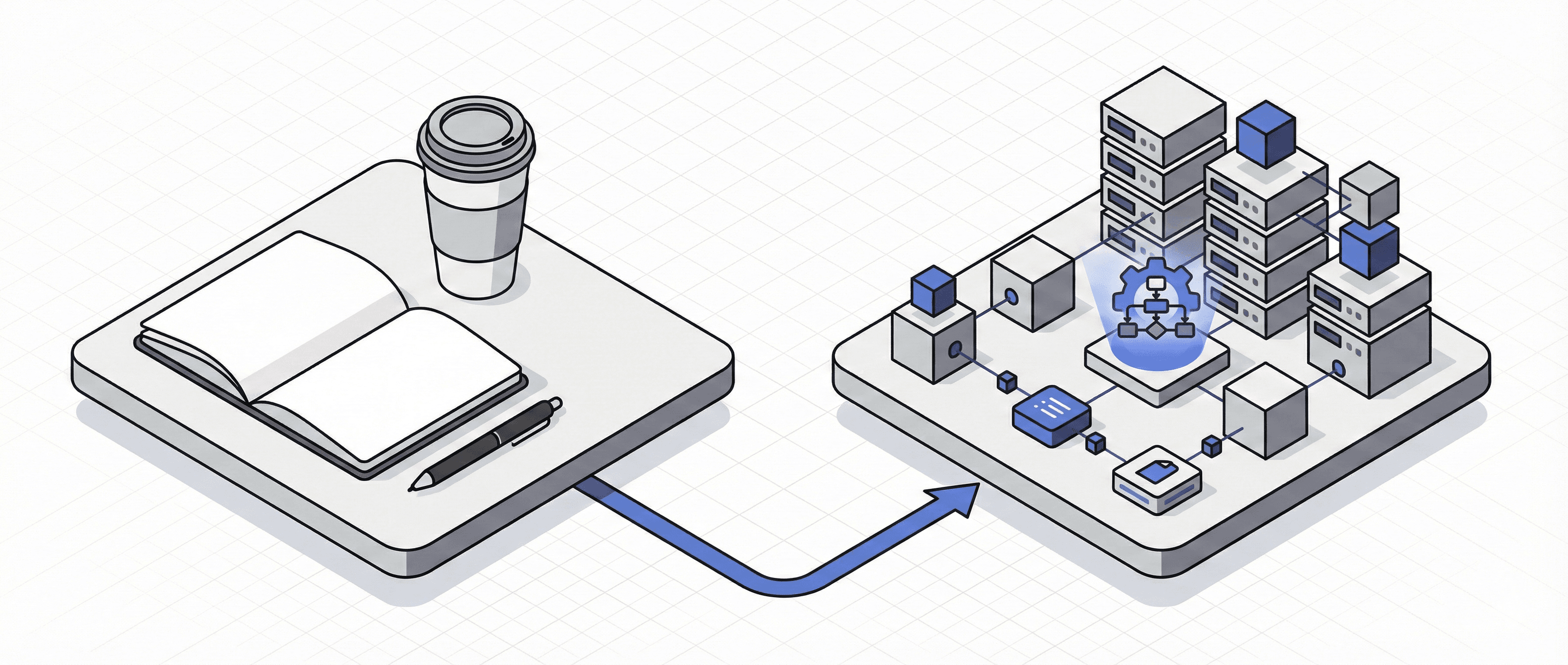
The problem isn't motivation. It's sustainability.
You start a blog, a newsletter, a content habit. The first few posts come easily - you've got ideas stored up, energy is high. Then life happens. Work gets busy. You sit down to write and stare at a blank page. The last post took four hours by the time you'd written it, found images, formatted everything, posted to social. So you skip a week. Then another.
This is the content death spiral. And it's not a discipline problem - it's a systems problem.
I've been creating content for years, and I've hit that wall more times than I'd like to admit. The difference now is that I've built a system around the process. Not to automate the thinking - that's still mine - but to automate everything around the thinking.
This post is about how I use AI and automation to run this blog. But I want to be clear about what that actually means: every piece of content still has human judgment at its core. The ideas are mine. The editing is mine. The decisions about what's worth saying - mine.
What's automated is the tedious stuff. The capture. The research grunt work. The image generation. The repurposing for different platforms. The scheduling.
The principle is simple: remove friction, keep judgment.
And while this post focuses on content creation, the approach applies to any recurring task in your business. Anything that drains your energy, anything you start with enthusiasm and abandon three weeks later - that's a candidate for this kind of thinking.
Here's how it all works.
Building the Foundation (The Site Itself)
What problem does this solve? Starting from scratch is overwhelming. Design decisions, tech choices, and setup can stall a project before it begins.
Before any content system could exist, I needed a site that didn't fight me every time I wanted to publish something.
I didn't start with a blank canvas. I spent time on Envato, Dribbble, and landing.gallery, looking at designs I actually liked - pulling references, saving examples, getting a feel for what I wanted the site to be. Starting from nothing is a trap. Starting from inspiration is faster and leads to better results.
For the build itself, I used Antigravity. I fed it the visual references I'd gathered from Dribbble and Behance, and it helped me build out the full design system - fonts, image treatments, component styles, colour palette. It determined the main colours and complementary accents based on the examples I'd provided. The whole visual identity came together faster than it would have if I'd been making those decisions one by one.
The backend runs on Sanity CMS. What I like about Sanity is the flexibility: you can customise your content management interface to match how you actually think. The fields, the inputs, the structure - it's not a generic blog template you have to work around. It's a backend built for how I want to create.
I grabbed a free icon pack from Figma to keep the visual details consistent without burning time on small decisions.
One thing that's easy to overlook: maintenance. Antigravity is set up with workflows that check code, store documentation, and keep the system up to date. The site doesn't just exist - it stays healthy without me having to think about it constantly.
The foundation matters because everything else sits on top of it. If publishing is painful, you won't publish. If the design feels off, you'll procrastinate on finishing posts. Getting this right early removed an entire category of friction.
🛠️ Tools used in this section:
- Antigravity - AI-powered development
- Sanity CMS - content management
- Dribbble - visual inspiration
- Behance - visual inspiration
- landing.gallery - landing page inspiration
- Envato - design resources
- Figma - icon pack source
The Idea Capture System
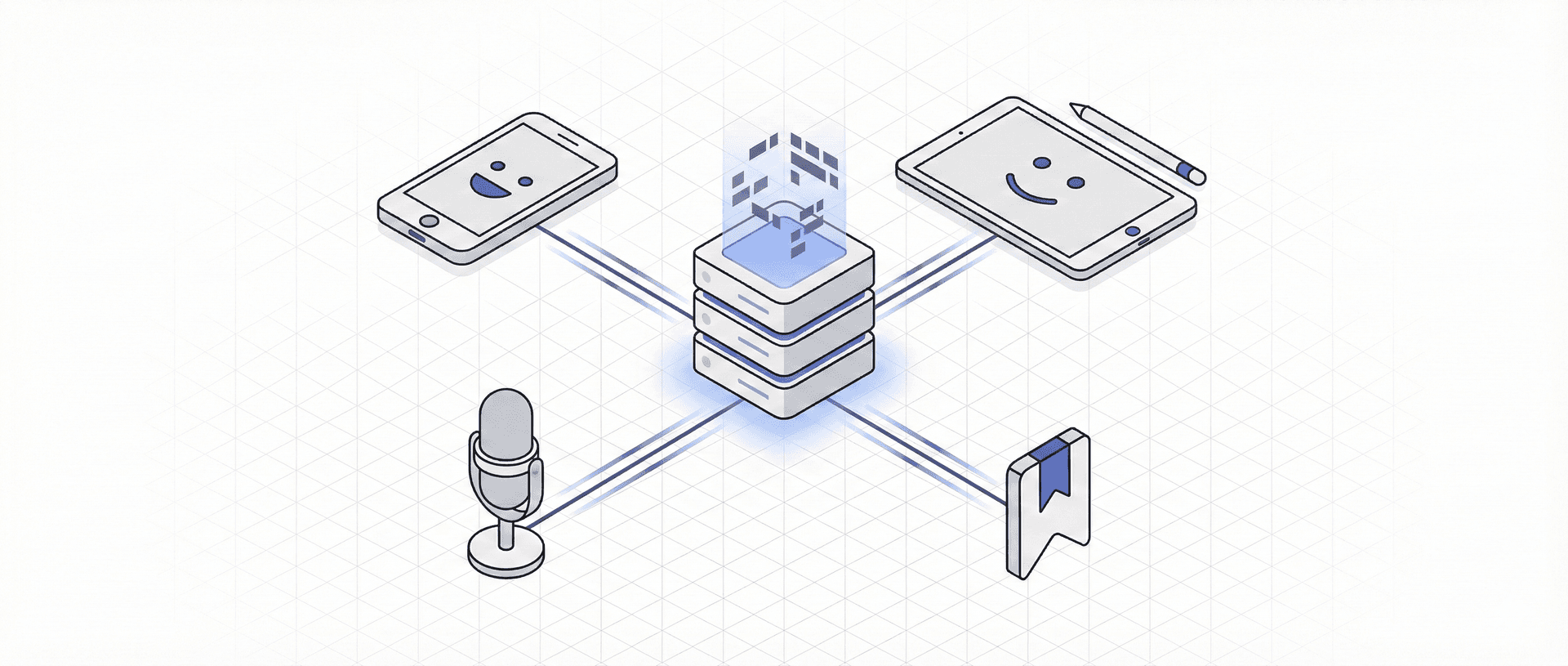
What problem does this solve? Ideas happen at inconvenient times. If capture is friction-heavy, ideas die before they're recorded.
Ideas don't arrive when you're sat at your desk ready to write. They arrive in the shower, on the commute, halfway through a conversation about something else entirely. If capturing them requires effort - opening an app, typing it out properly, categorising it - most of them disappear before they're saved.
I've built a capture system with multiple entry points, all feeding into the same place.
On my phone and desktop, I use Notion shortcuts. Quick capture, minimal friction. The idea lands in my content database without me having to navigate through anything.
For longer thoughts or when I'm away from a screen, I use a Plaud NotePin. I talk through the idea - messy, unstructured, however it comes out - and it records, transcribes, and generates an AI summary. That summary gets emailed directly to my content system. I don't have to clean it up or process it manually. The raw thought becomes a usable note automatically. I use it on the school run once the kids have been dropped off, or during a walk in the park - even though I look like I'm talking to myself to everyone around me.
Sometimes I think better with a pen. I use a Remarkable Go tablet for handwriting notes and ideas. When I'm done, I send the notes to my automation via email, and they're stored in Notion alongside everything else. Different input method, same destination.
When I'm at my Mac and working through ideas or drafts with Claude, I use SuperWhisper for dictation. It keeps me in creative flow - I can talk through edits and feedback rather than typing everything out, which is faster and feels more natural.
For external inspiration, I use Reader. When I come across an article worth revisiting, I save it there. Anything I tag with "Repurpose" automatically gets added to my Inspiration database in Notion. The ideas I find elsewhere don't get lost in a bookmarks folder I'll never open again.
Everything flows into one Notion database. Ideas, drafts, long-form pieces - all in one place, managed through filters and views. I can see what's in the pipeline, what's ready to develop, and what's been sitting too long.
The result: I never face a blank page wondering what to write about. The system has already been collecting possibilities in the background.
🛠️ Tools used in this section
- Notion - database and content hub
- Plaud NotePin - voice capture and AI transcription
- Remarkable Pro Move - handwritten notes to digital
- SuperWhisper - Mac dictation
- Reader - article saving and tagging
The Content Creation Workflow (Human + AI Collaboration)
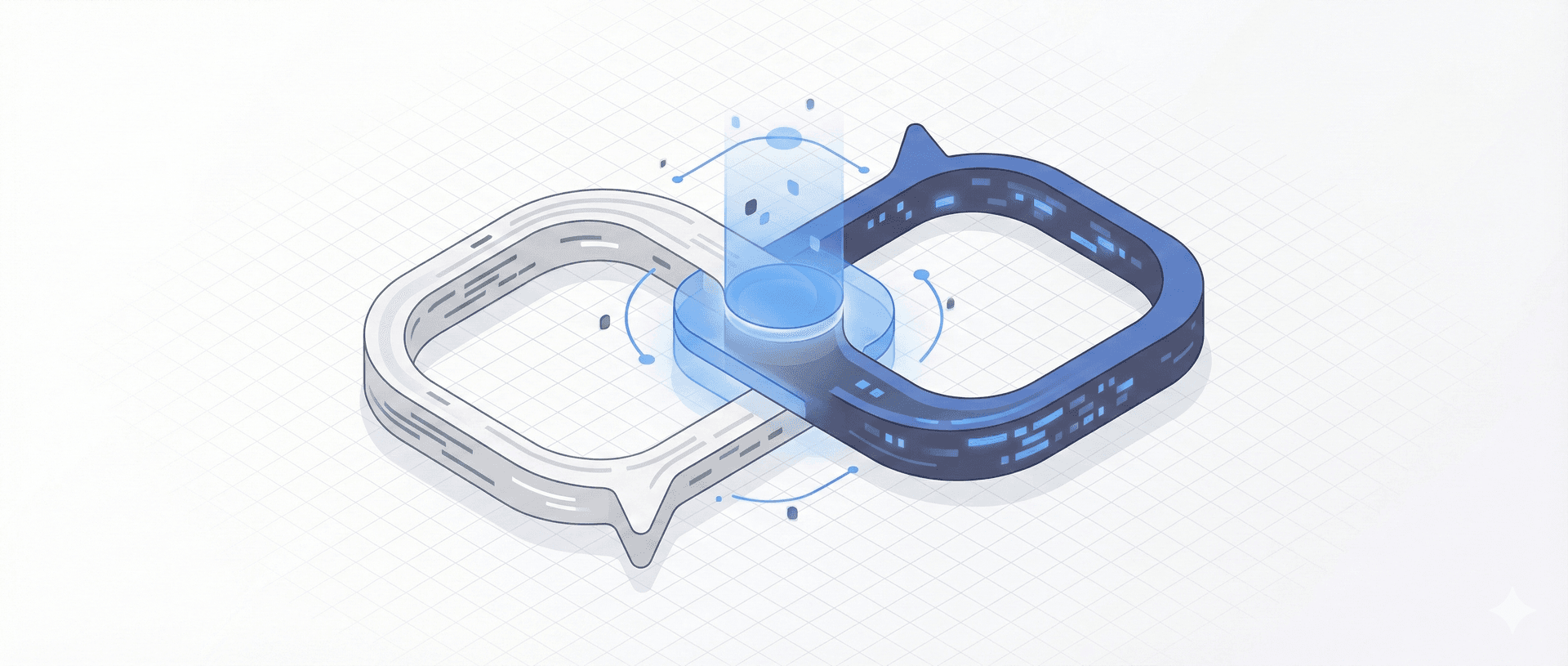
What problem does this solve? Writing is the hard part. Research takes time. Structure takes effort. It's easy to abandon a draft halfway through.
This is where most AI content conversations go wrong. The pitch is usually "let AI write your content for you" - and the result is generic, lifeless, obviously-not-written-by-a-human slop. That's not what I'm doing here.
I built a custom Claude skill specifically for content creation. It knows my tone of voice, my writing style, the way I typically structure posts. But here's the critical part: it doesn't churn out posts for me to copy and paste.
The workflow is collaborative. We research together. We iterate on structure together. We edit back and forth. I talk through my thinking using SuperWhisper, and we shape the piece in conversation.
When I start a new piece, I'll pull an idea from my Notion database and open it with the skill. We'll discuss the angle, who it's for, what I actually want to say. The skill will suggest structures, pull in relevant research, challenge weak arguments. I'll push back, refine, redirect. It's a back-and-forth - not a prompt and a result.
The human stays in the loop throughout. Editorial judgment is mine. Voice is mine. The decision about whether something is actually worth publishing is mine. The skill handles the parts that slow me down: finding supporting information, organising thoughts into a logical flow, catching gaps in the argument.
Once we're happy with the content, the skill outputs image prompts based on what we've written. That feeds directly into the next stage of the process.
This is the opposite of AI slop. It's AI as a thinking partner, not a replacement for thinking. The post you're reading right now went through exactly this process.
Building the skill was simpler than you might think. I used Advanced Claude Skills - a framework for creating custom Claude skills - and essentially chatted with Claude to build it out. We worked through what I needed, how I write, what the workflow should look like, and iterated until it worked. Then I installed it. If you're comfortable having a conversation, you can build a skill.
🛠️ Tools used in this section:
- Claude - AI collaboration (with custom skill)
- SuperWhisper - dictation for edits and feedback
- Notion - idea and draft storage
The Visual System
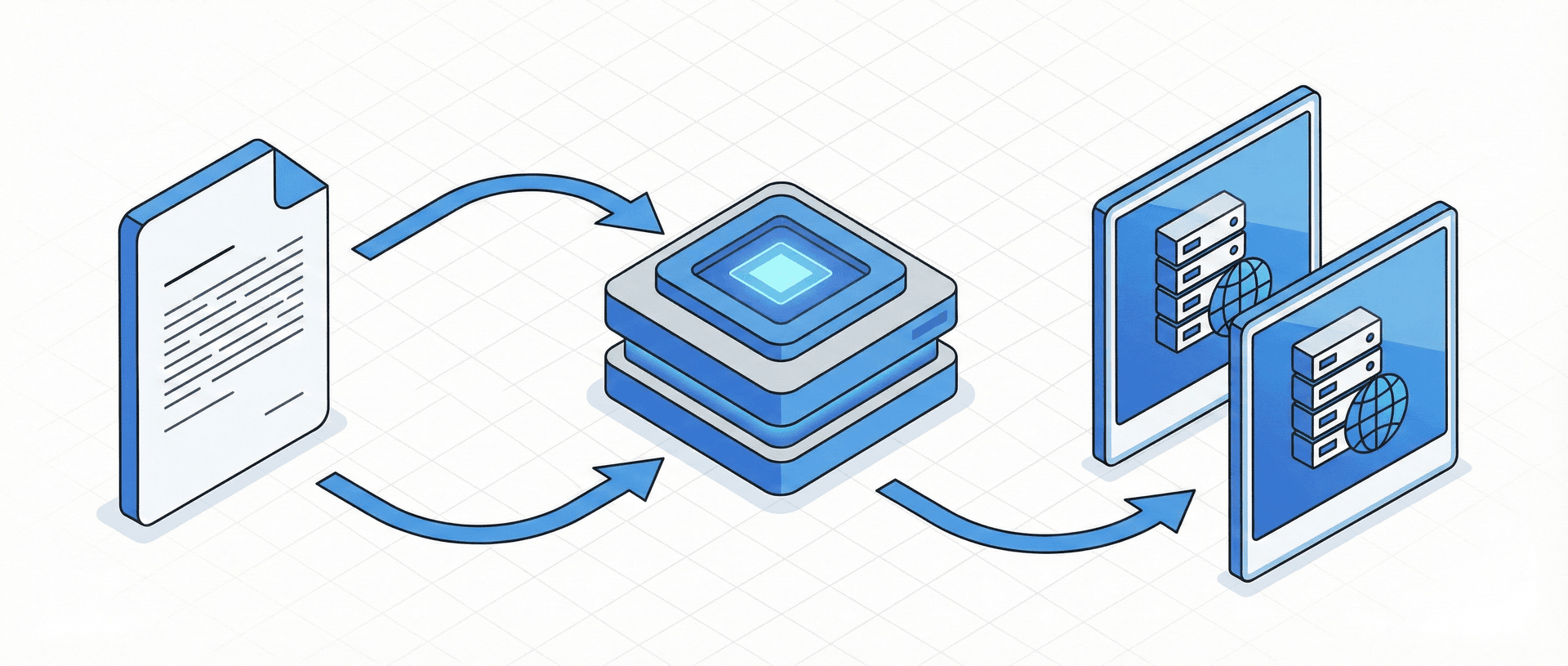
What problem does this solve? Finding or creating on-brand images for every post is tedious and breaks creative flow.
Visuals matter. A blog post without images feels incomplete, and generic stock photos make everything look the same as everyone else. But creating custom images for every piece of content is a time sink that can easily eat an hour per post.
I wanted a system where I could generate on-brand images quickly, without making design decisions every time.
It started with research. I browsed Dribbble and Behance looking for a visual style that would fit the site's design - something distinctive but not distracting. Once I had a direction, I used Claude to help define the specific parameters: main colours, complementary accent colours, the overall aesthetic I was going for.
Then I built a Google Gem to handle the generation. It uses Nano Banana as the model, with detailed instructions about my site's visual style and example images for reference. The Gem knows what "on brand" looks like for this site.
Now the workflow is simple: I take the image prompts that Claude provides at the end of the content creation process, add the accent colour I need for that particular post, and run them through the Gem. Out come images that match the site's design without me touching Figma or searching stock libraries.
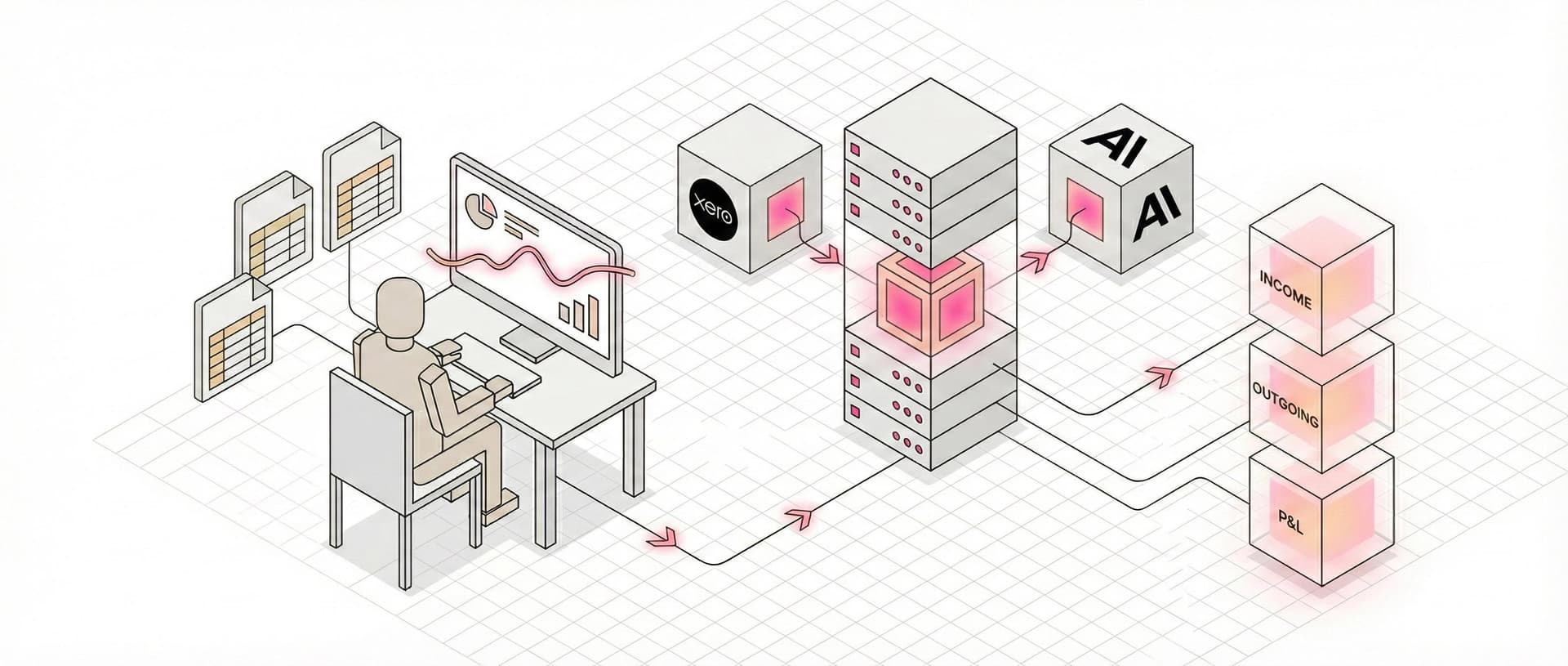
Here's an example of how that works in practice:
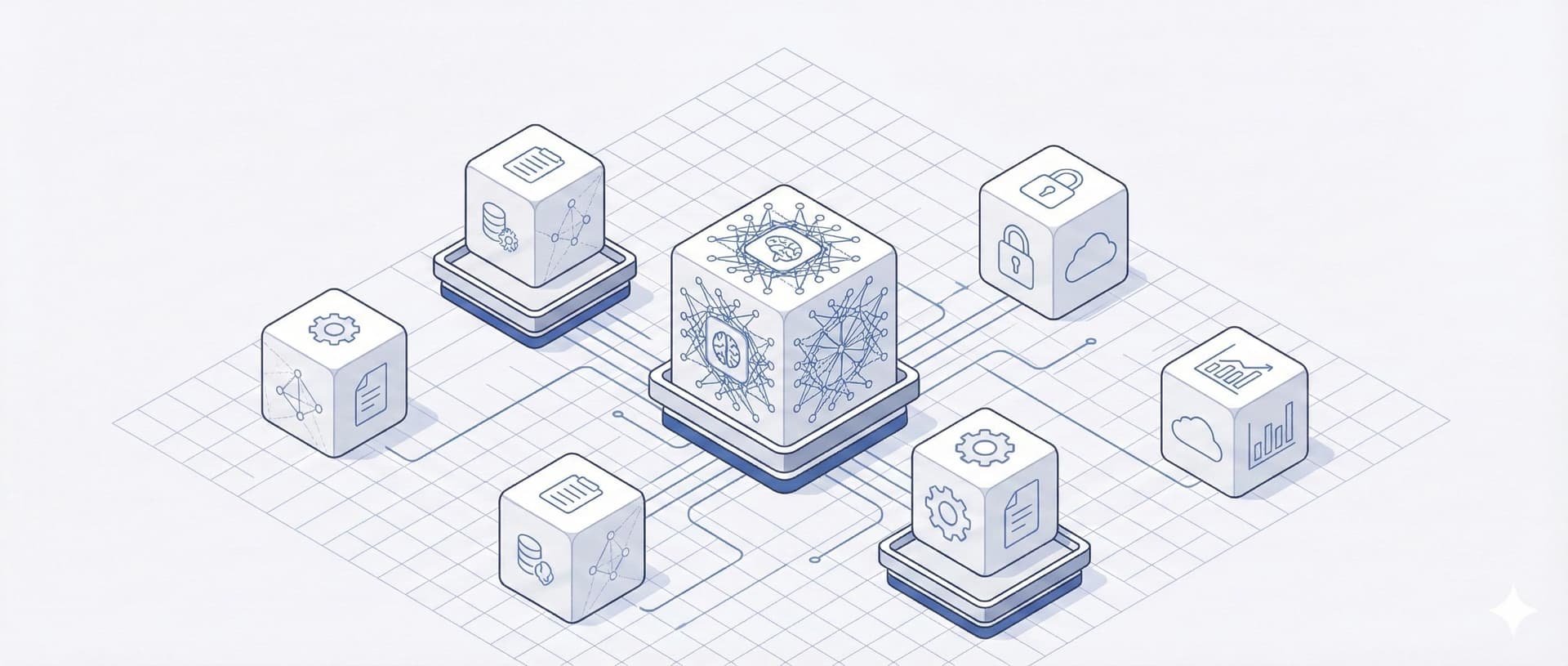
These are basic prompts that Claude creates that are related to sections in my articles, they then pull from a Gem that has been trained on the style I want.
Prompt:
A flowchart or decision tree visualization — pathways branching from a central question mark to different endpoints. Suggests choosing the right path for each task. Clean lines, logical flow.Output:
Prompt:
An experimental AI CFO built using Claude Projects and exported financial data from Xero to analyse performance, track trends, and surface insights. The system is used to review profit and loss statements, monitor cash flow, explore scenarios, and support day-to-day financial decisions, acting as a thinking partner rather than an automated decision-maker. accent: pink
Output:
The consistency is the point. Every post looks like it belongs to the same site, but I'm not spending time making that happen manually.
🛠️ Tools used in this section:
- Google Gems - custom AI image generation
- Dribbble - visual inspiration
- Behance - visual inspiration
Publishing and Distribution
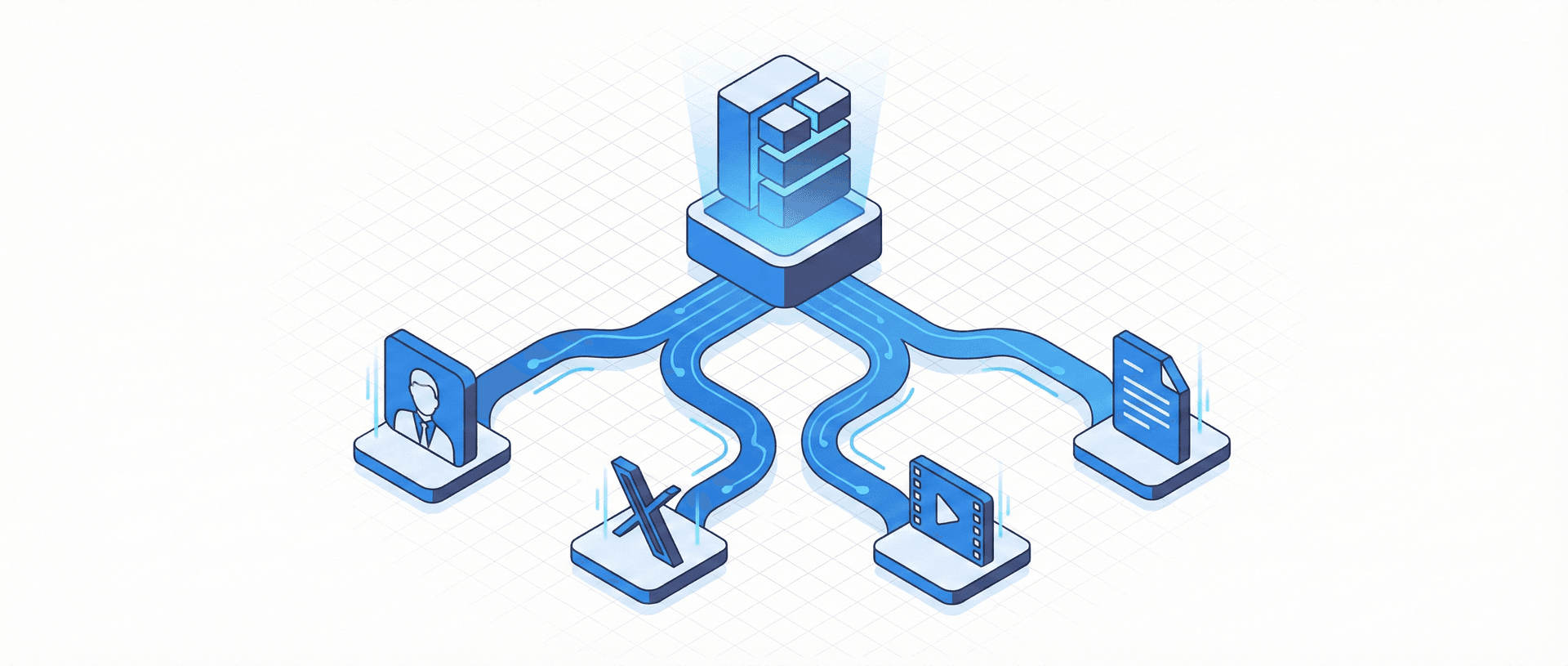
What problem does this solve? Publishing is only half the job. Repurposing for different platforms multiplies the work - and usually doesn't happen.
Getting a post live is just the start. If you want the content to actually reach people, you need to be on LinkedIn, X, maybe Instagram or TikTok. Each platform has its own format, its own tone, its own expectations. Manually rewriting the same content five different ways is exactly the kind of work that makes you stop posting altogether.
Content goes live on the site through Sanity CMS. That part is straightforward - the backend is set up to make publishing painless.
The distribution is where automation earns its keep. I built a second Claude skill specifically for repurposing. I feed it a finished blog post, and it generates platform-specific content: a LinkedIn post, an X thread, scripts for Reels and TikTok. Not generic summaries - actual native content shaped for how each platform works.
The key word is "platform-specific." A LinkedIn post shouldn't read like a tweet. A TikTok script shouldn't read like a LinkedIn post. The skill understands the differences and outputs accordingly.
But just like the content creation process, this isn't a one-click solution. The skill gives me a starting point, and then I go through the suggested posts, edit them, and chat with Claude to get the outputs I actually want. Some need tightening. Some need a different hook. Some need a complete rethink. The automation handles the initial transformation - the judgment is still mine.
For scheduling, I use GetLate. It's simple, clean, and does exactly what I need without the bloat of bigger scheduling tools. Posts queue up, go out when they should, and I don't have to think about it.
I'm currently rebuilding my video generation pipeline. The goal is to take those short-form scripts and automatically generate assets - using my avatar, images, and clips - ready for TikTok, Reels, and YouTube Shorts. That's still in progress, but when it's done, one blog post will turn into a full content package across every channel without me manually creating each piece.
🛠️ Tools used in this section
- Sanity CMS - content management and publishing
- Claude - repurposing skill
- GetLate - social media scheduling
The Learning Loop (The RAG Brain)
What problem does this solve? Over time, you forget what you've written. Ideas get repeated. Gaps go unnoticed. Your own content becomes a black hole.
The more you create, the harder it gets to remember what you've already said. Did I cover that topic six months ago? Is this idea actually new, or am I repeating myself? Where are the gaps I haven't addressed yet?
All my published content feeds into a RAG database. Right now, I'm building this into something more useful - a "brain" that actually works with everything I've created.
The vision is a system that surfaces connections between existing posts, identifies gaps and opportunities, suggests new angles based on what's already been written, and mixes ideas in unexpected ways. Eventually, it could power a search function or chatbot on the site, helping visitors find relevant content based on what they're looking for.
It's not finished yet. But even in its current state, having all my content in a searchable, queryable format changes how I think about what to write next. The system learns from everything I publish - so the more I create, the smarter it gets.
Explaining how the RAG system works in detail deserves its own post - there's a lot to unpack there.
The Full Workflow (Putting It Together)
What problem does this solve? Seeing the pieces is useful. Seeing how they connect is what makes it actionable.
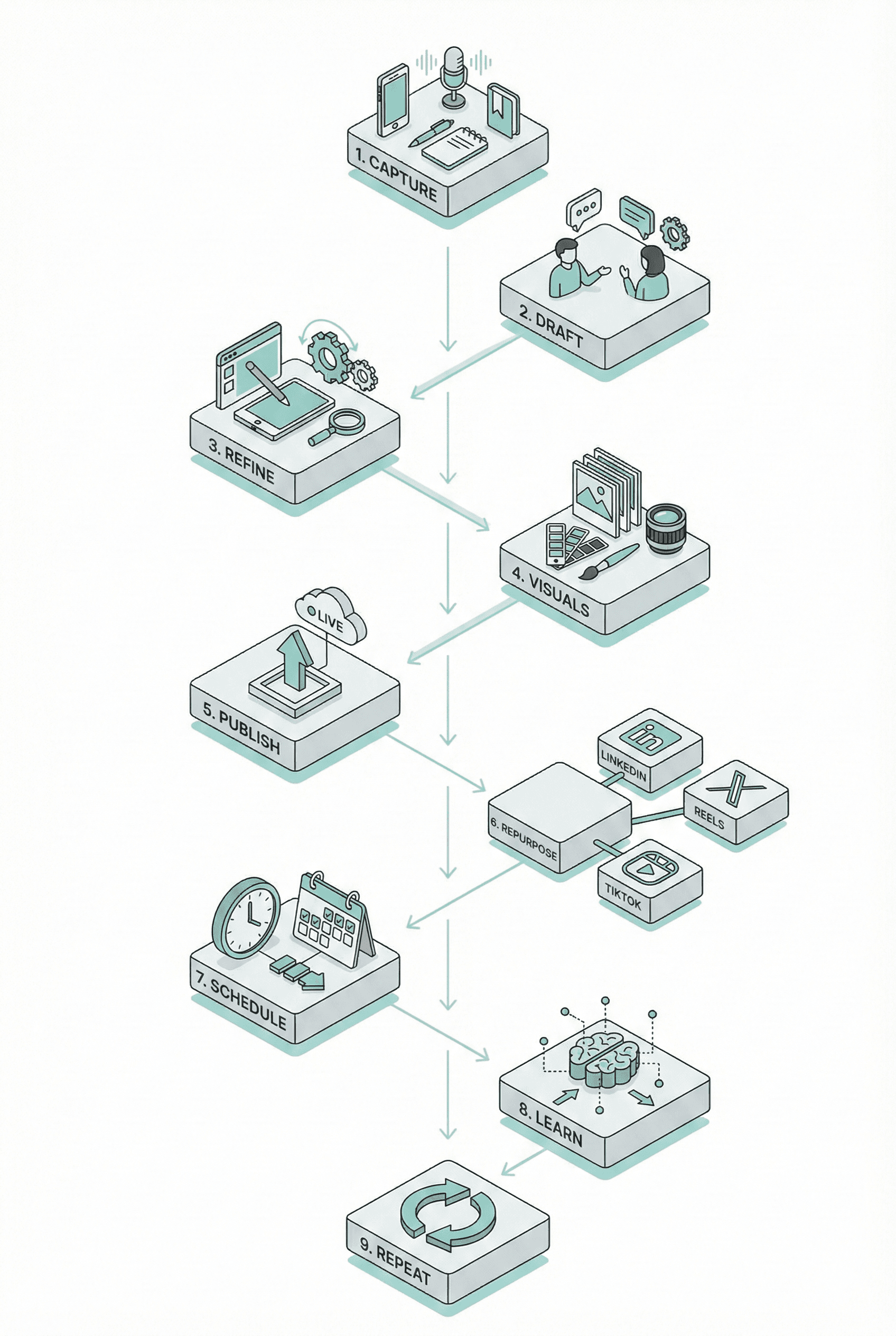
Here's how it all works in practice, from initial idea to published content across multiple platforms:
1. Capture
An idea arrives - via Notion shortcut, Plaud NotePin on the school run, handwritten on my Remarkable Go, or tagged in Reader. However it comes in, it lands in my Notion database tagged as "Idea."
2. Draft
When I'm ready to write, I pick an idea and open it with my Claude content skill. We discuss the angle, the audience, what I actually want to say. The skill suggests structure, pulls in research, and we shape the piece together.
3. Refine
We edit back and forth. I dictate feedback through SuperWhisper, push back on weak sections, tighten the argument. Human judgment throughout - the skill handles the legwork, I make the calls.
4. Visuals
The skill outputs image prompts based on the finished content. I take those prompts, add the accent colour for the post, and run them through my Google Gem. On-brand images without the design detour.
5. Publish
The post goes live through Sanity CMS.
6. Repurpose
I run the finished post through my repurposing skill. It generates platform-specific content for LinkedIn, X, Reels, and TikTok. I review, edit, and chat with Claude until the outputs are right.
7. Schedule
Everything queues up in GetLate. Posts go out when they should.
8. Learn
Published content feeds into the RAG brain for future idea generation and gap analysis.
9. Repeat
Conclusion
The goal was never to remove myself from content creation. The goal was to remove the friction that makes content creation unsustainable.
Every step in this system has human input. I decide what's worth writing about. I shape the argument. I edit until it sounds like me. I choose which social posts actually go out. The AI handles the parts that used to drain my energy - the research grunt work, the image hunting, the reformatting for different platforms, the scheduling logistics.
This isn't about producing more content faster. It's about producing good content consistently, without burning out three weeks in.
And this approach isn't specific to blogging. Any recurring task that drains your energy is a candidate for this kind of thinking. Look at where you lose momentum. Look at what makes you procrastinate. That's where systems and automation can give you time back - not by replacing your judgment, but by clearing the path so you can actually use it.